
1. Start now or schedule
Tap Start match, then choose whether to begin scoring immediately or schedule the game for later. Scheduling keeps weekend leagues and friendlies organised before players arrive.
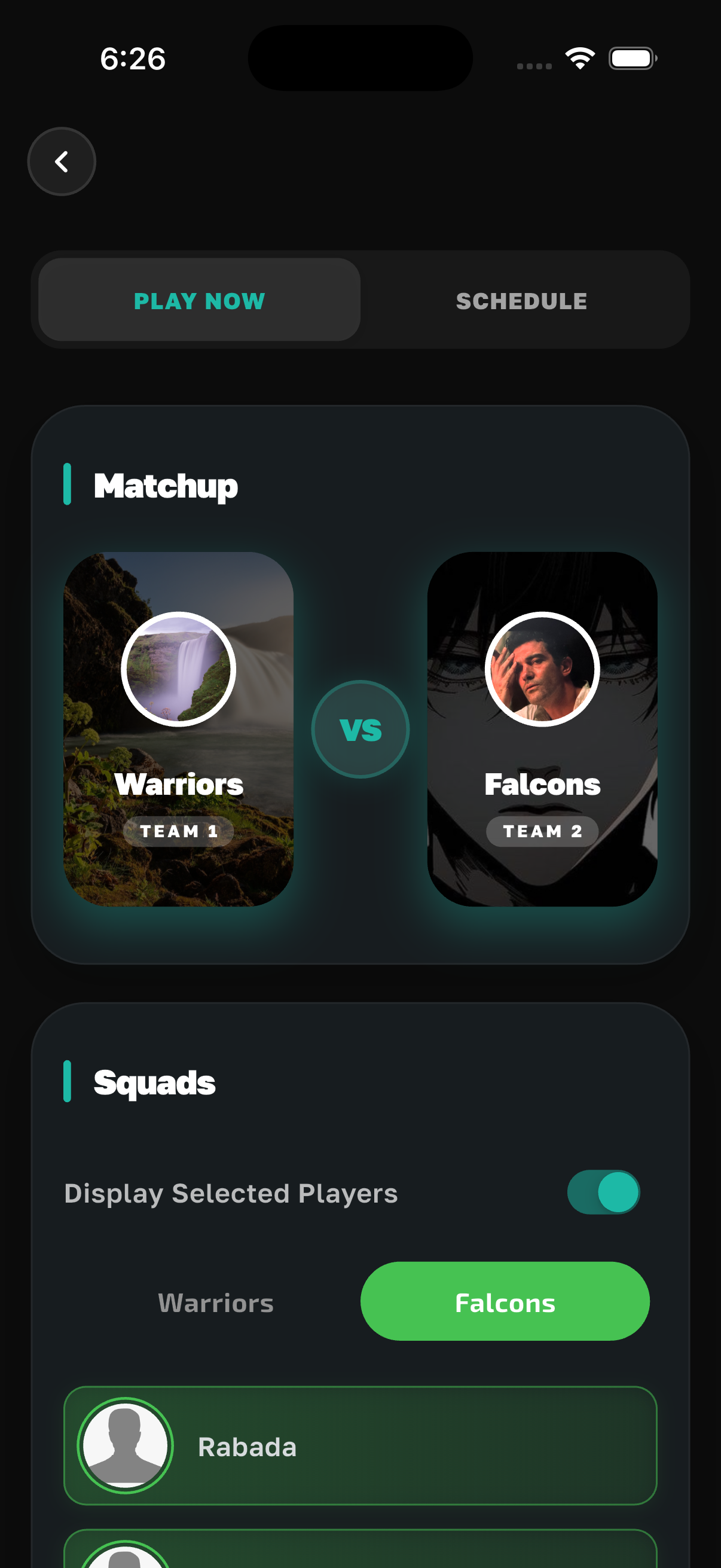
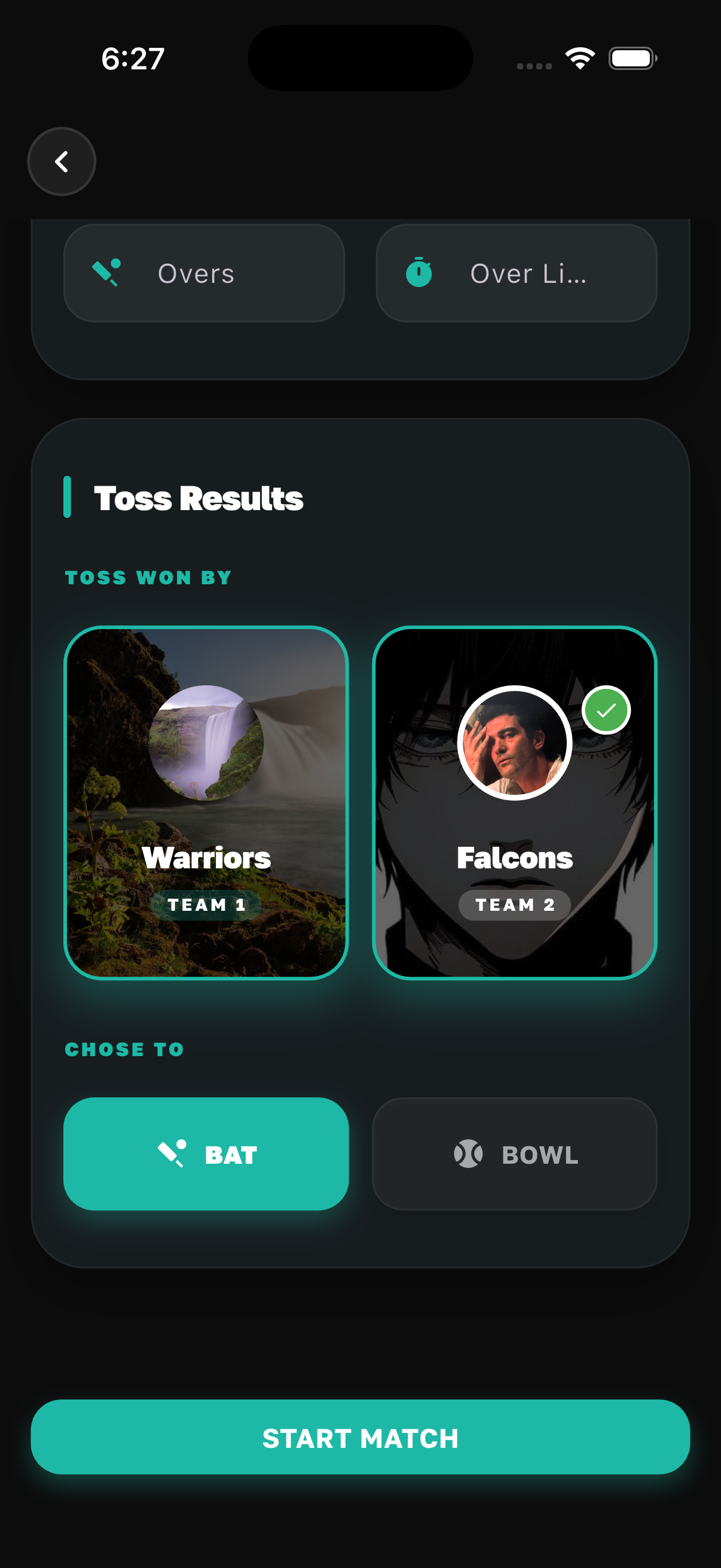
2. Toss, teams, striker, non-striker, and opening bowler
Record the toss winner and decision, fill in match details, then select the striker and non-striker who walk out first, and the bowler who bowls the opening over. Getting this right keeps partnerships and bowling figures aligned with the real game.
Next step
Once line-ups are saved, the app opens the live scoring board. Screenshots and tips for every delivery, mid-match controls, and team comparison are on the dedicated page below — linked here so search engines and readers see a clear path from setup to scoring.